

When a Spreadsheet Is Enough—and When You Need a CRM
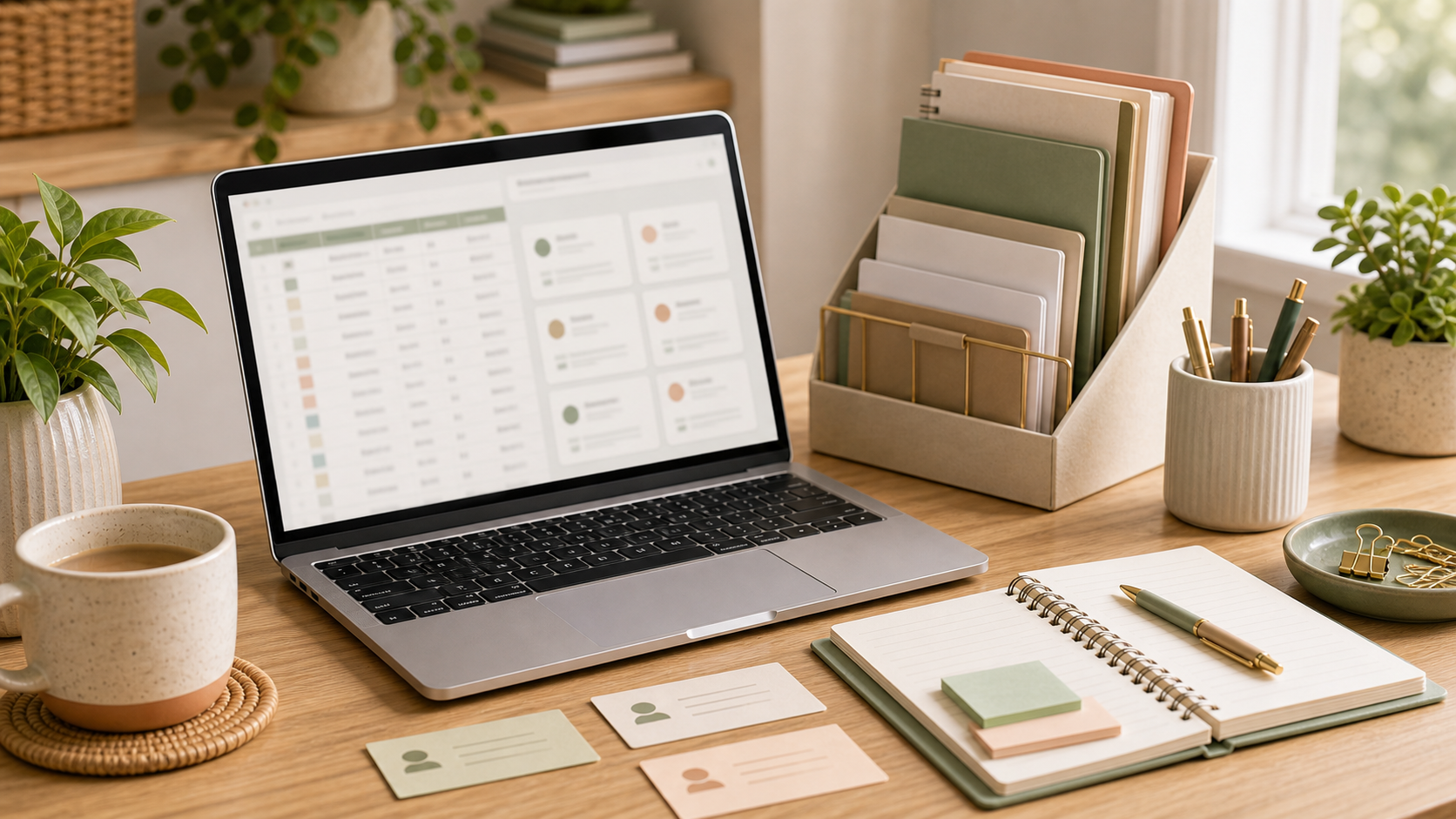
A spreadsheet can be an excellent business tool. It is familiar, flexible and quick to set up. A customer relationship management system, or CRM, can offer stronger structure, automation and shared visibility. The difficult question is not which tool is better in general. It is which one fits the work your business needs to manage now.
A spreadsheet may be enough when the process is simple, one or two people maintain it and the number of active relationships remains manageable. If you can quickly see each contact, status, next action and owner, changing systems may add more work than value.
Signs the spreadsheet is struggling
Problems begin when several versions circulate, important columns are completed inconsistently or people avoid updating the file because it is difficult to use. You may find that follow-ups rely on separate calendar reminders, email history is hard to connect and reporting requires extensive manual cleaning. If the sheet records what happened but does not help the team decide what happens next, it may have reached its limit.
What a CRM can add
A well-configured CRM can create consistent stages, assign ownership, schedule follow-ups and keep notes attached to the relevant contact or opportunity. It may connect with email, forms, marketing tools or invoicing systems. Those features are valuable only when they support a clear process. A complicated CRM with poor data is less useful than a tidy spreadsheet maintained every day.
Define the process before choosing the platform
Map how a contact becomes an enquiry, customer or completed opportunity. Decide which stages matter, what information is required and which actions should occur at each point. This prevents the software demonstration from defining your business process for you.
Consider the people doing the updating
Ask who will enter information, how frequently and for what purpose. A system that asks for too much data will be ignored. Use required fields sparingly, provide clear definitions and remove fields that do not support action, service or reporting.
Plan the move carefully
If you adopt a CRM, clean the existing data before importing it. Agree naming conventions, remove obvious duplicates and decide what should be archived. Test the configuration with a small sample, check permissions and document the routine. Migration is a good opportunity to improve data quality, but it is not a reason to keep every historic record without thought.
Review value, not novelty
After implementation, ask whether follow-ups are more reliable, information is easier to find and reporting takes less time. If not, the process, training or configuration may need attention. Buying a platform is not the same as changing a habit.
The best system is proportionate. Stay with a spreadsheet while it remains clear and dependable. Move to a CRM when shared visibility, volume or workflow complexity makes the additional structure genuinely useful.
Keep the first version deliberately simple, then review it with the people who use it. Their questions will show where instructions, ownership or timing remain unclear, allowing the process to improve without becoming unnecessarily heavy.
If customer records or sales follow-ups have become difficult to manage, I can help tidy your current system, define a practical process or support a careful CRM setup.